
For the office · Groundbreaker Desk
Run the whole field team from one place.
Groundbreaker Desk shows what your reps did today, where they've been and what's next, without riding along. It comes with the Team and Company plans.
Product walkthrough
See it in 90 seconds
A rep's day on the phone, then what the office sees on Groundbreaker Desk: the team, reports, territories, Lead Finder, deals, orders and pay plans.
Dashboard and Team
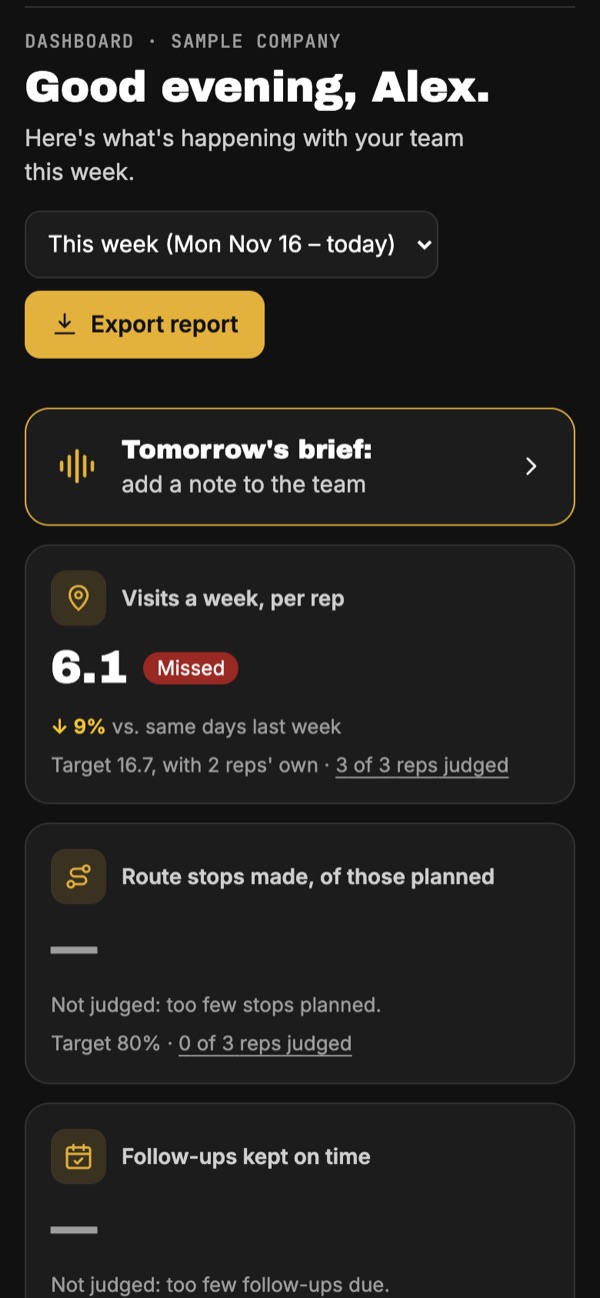
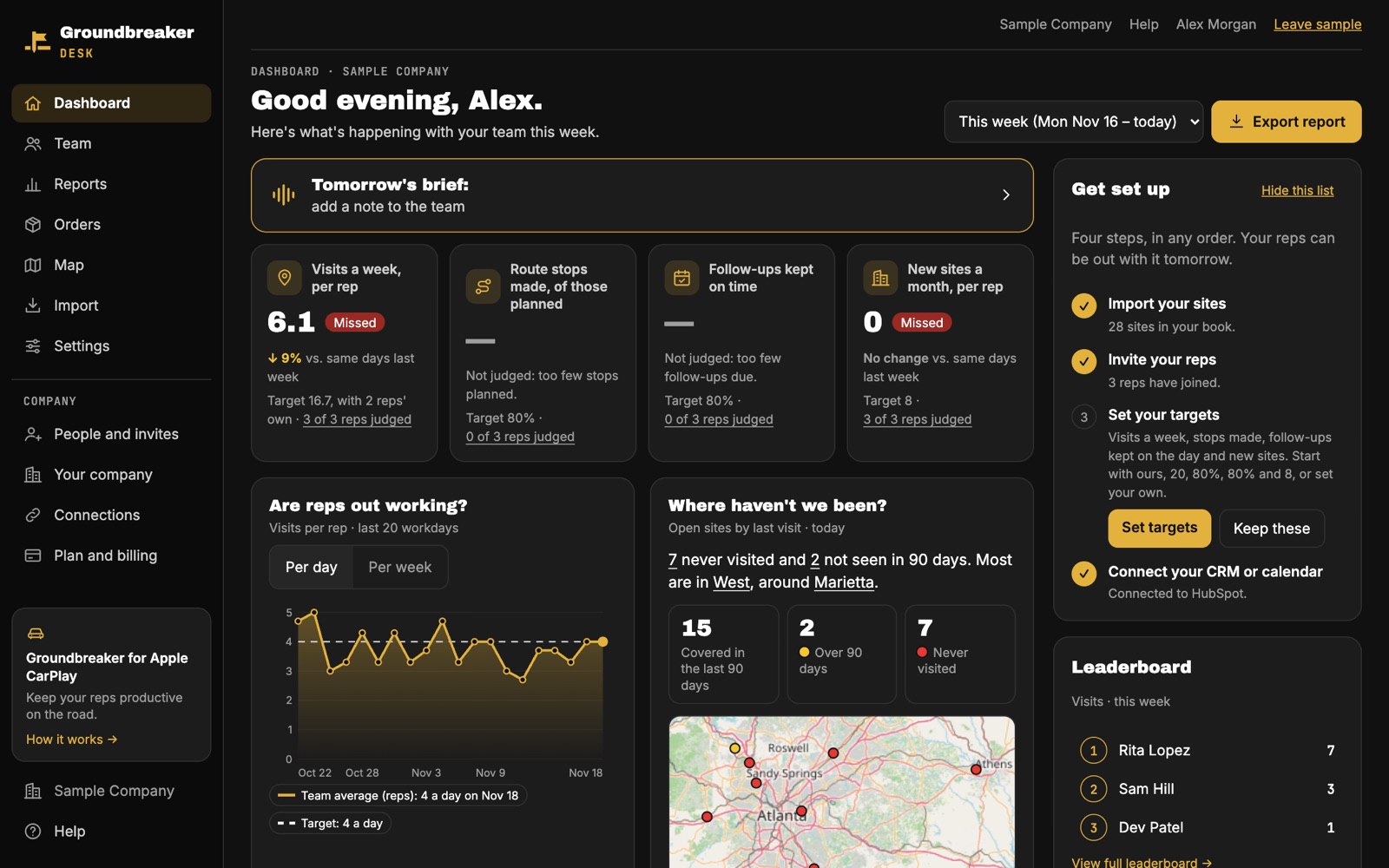
Know what your reps are doing
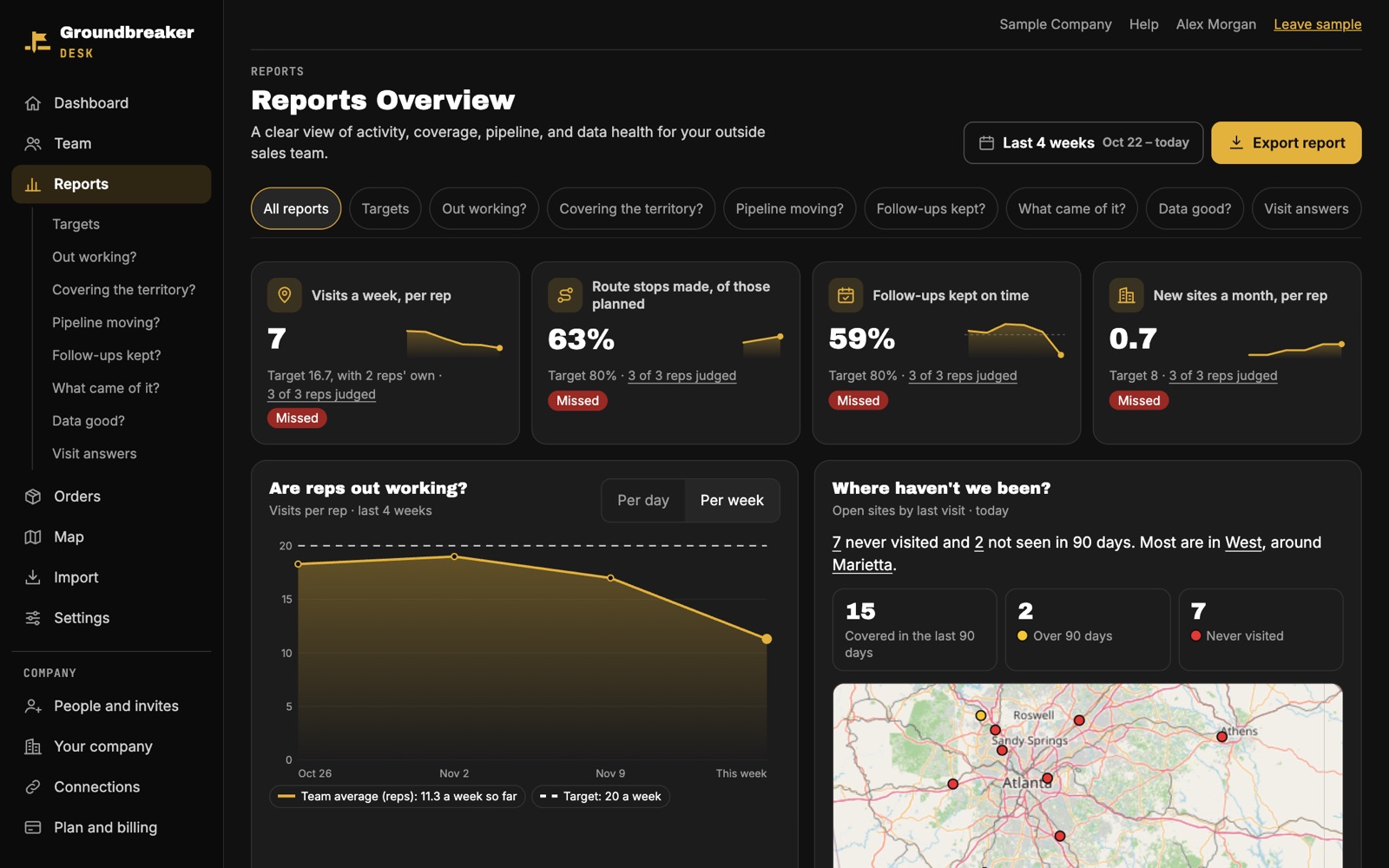
Visits, route stops made, follow-ups kept and new sites against your targets, on one page. Team puts each rep's week side by side, and Verified at site shows who logged it there. Click any number for the list behind it.
Reports
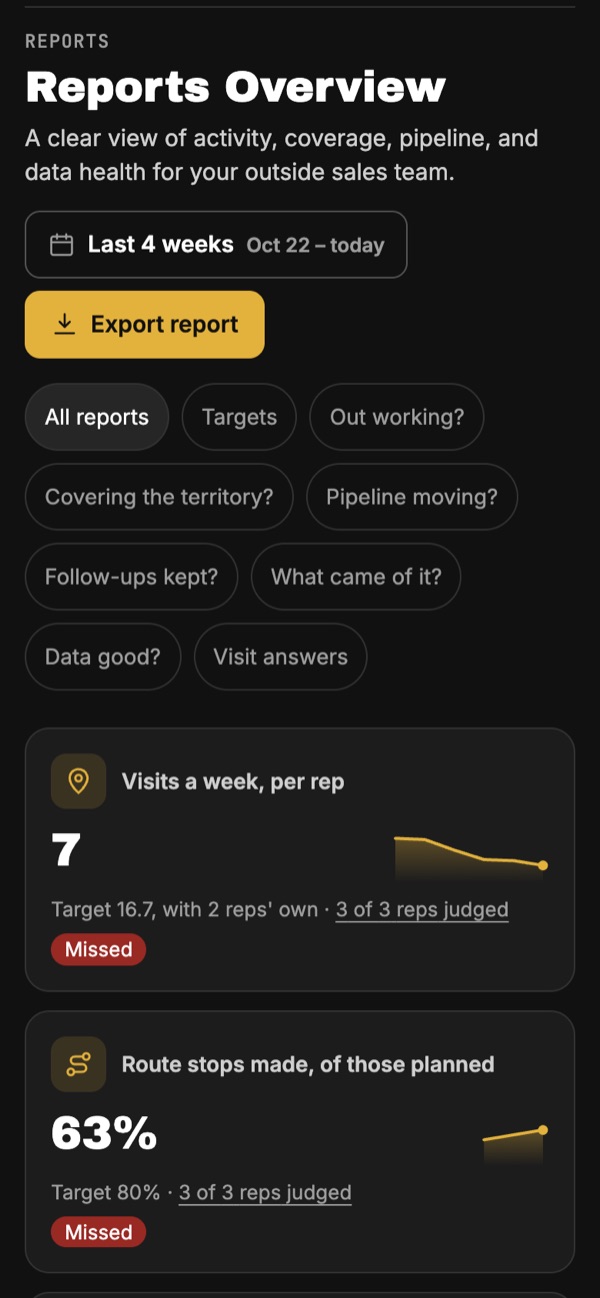
See what needs attention
Are they out working? Covering the territory? Are follow-ups kept, and is the pipeline moving? Each question answered in a sentence, a map of the sites nobody has seen lately, and a Monday email with the week.
Orders and the pipeline
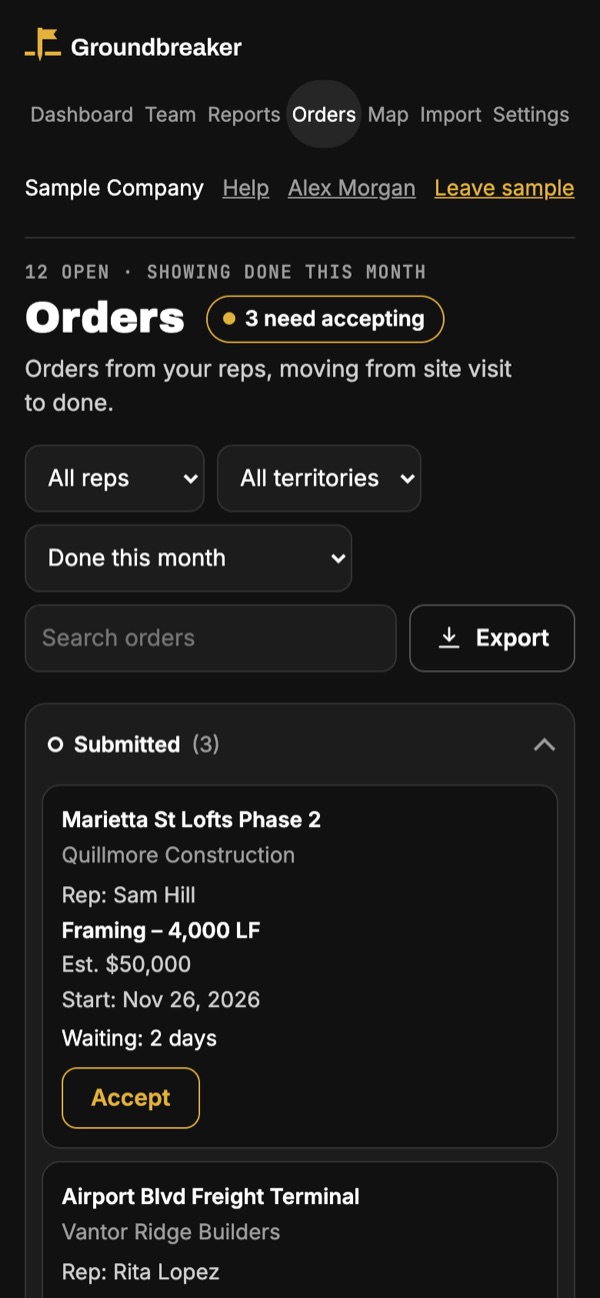
Keep customers and orders moving
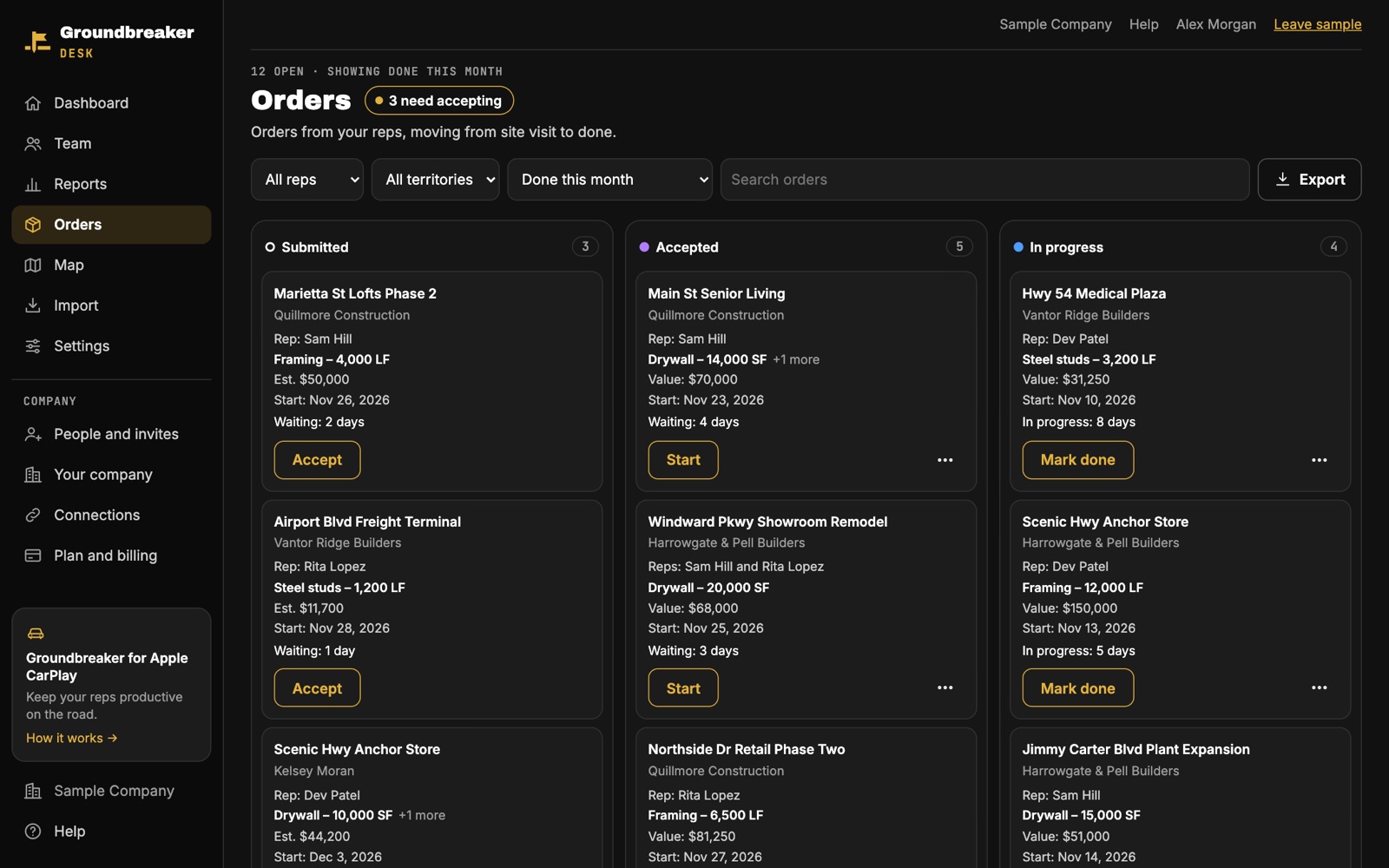
Orders your reps put in, from accepting them to done, with your price lists. Every site sits on the map with its rep, its last visit and its next follow-up.
See it for your team.
Book a 30-minute call, or open Groundbreaker Desk with an invented company and click around.
More tools for your team
Map & Territories
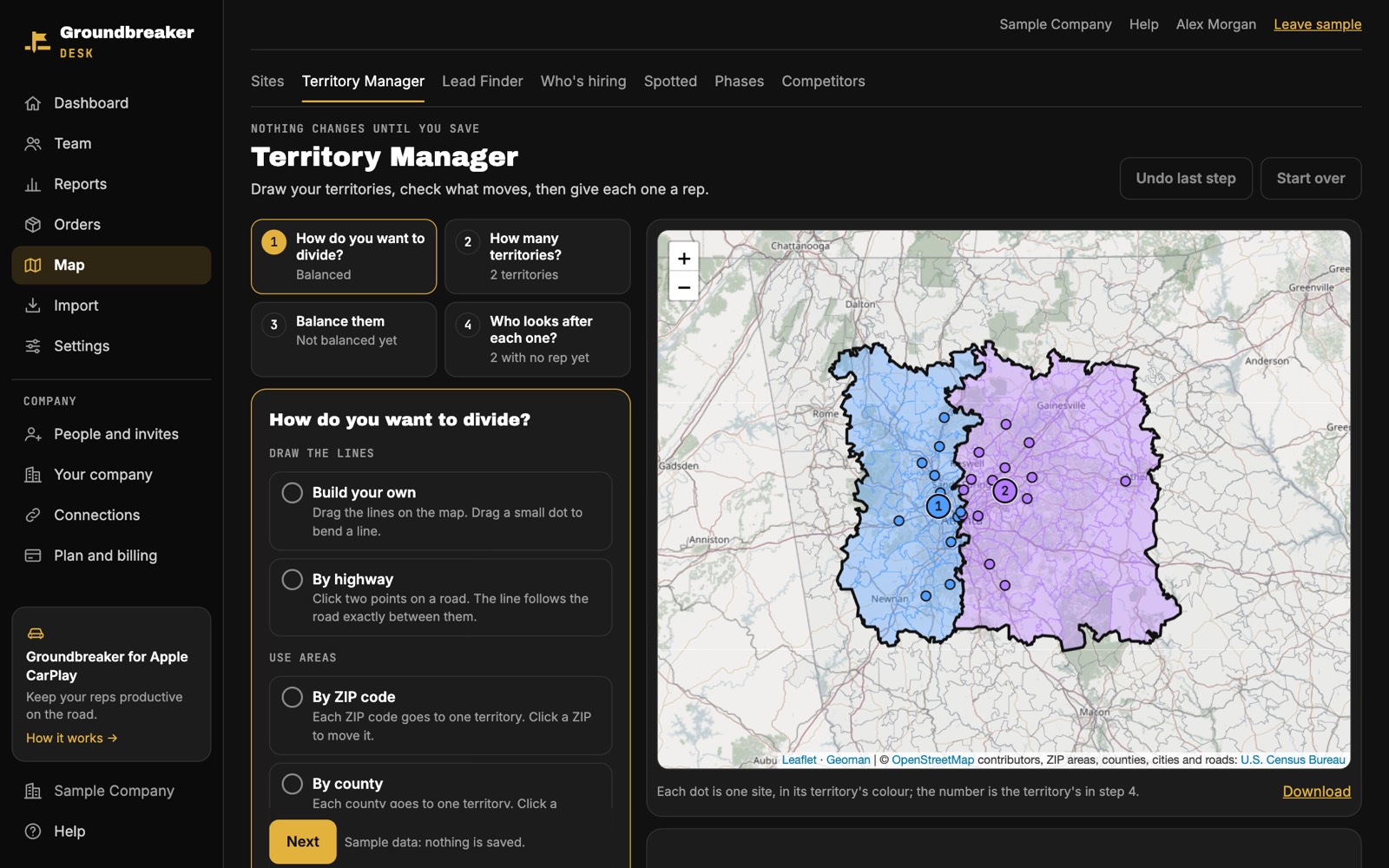
Split your area by highway, ZIP, county or city, see which sites move before you save, and new sites follow on their own.
Pay plans
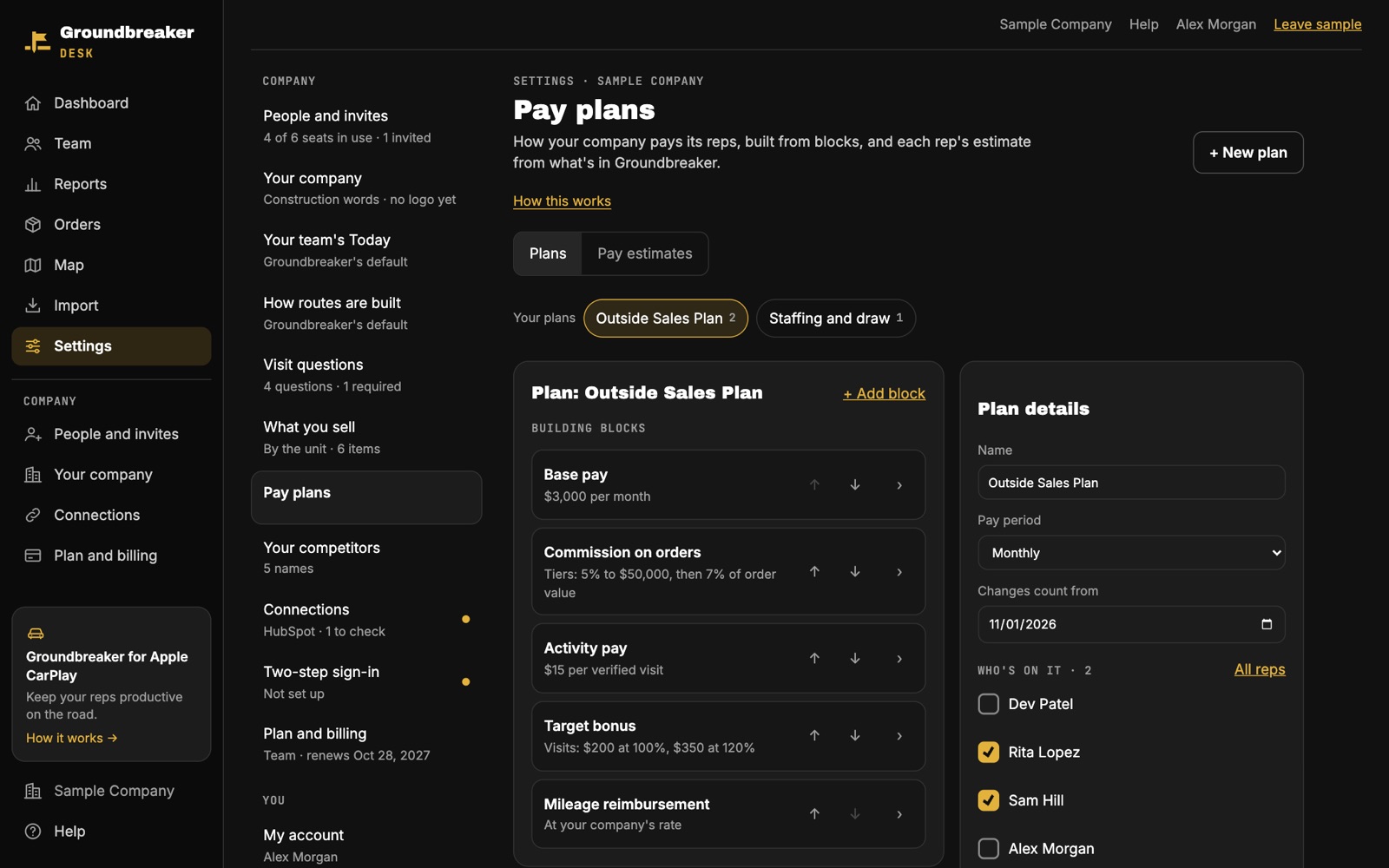
Commission, placements, splits, draws and caps. Each rep sees their estimate on the phone, and payroll gets a spreadsheet.
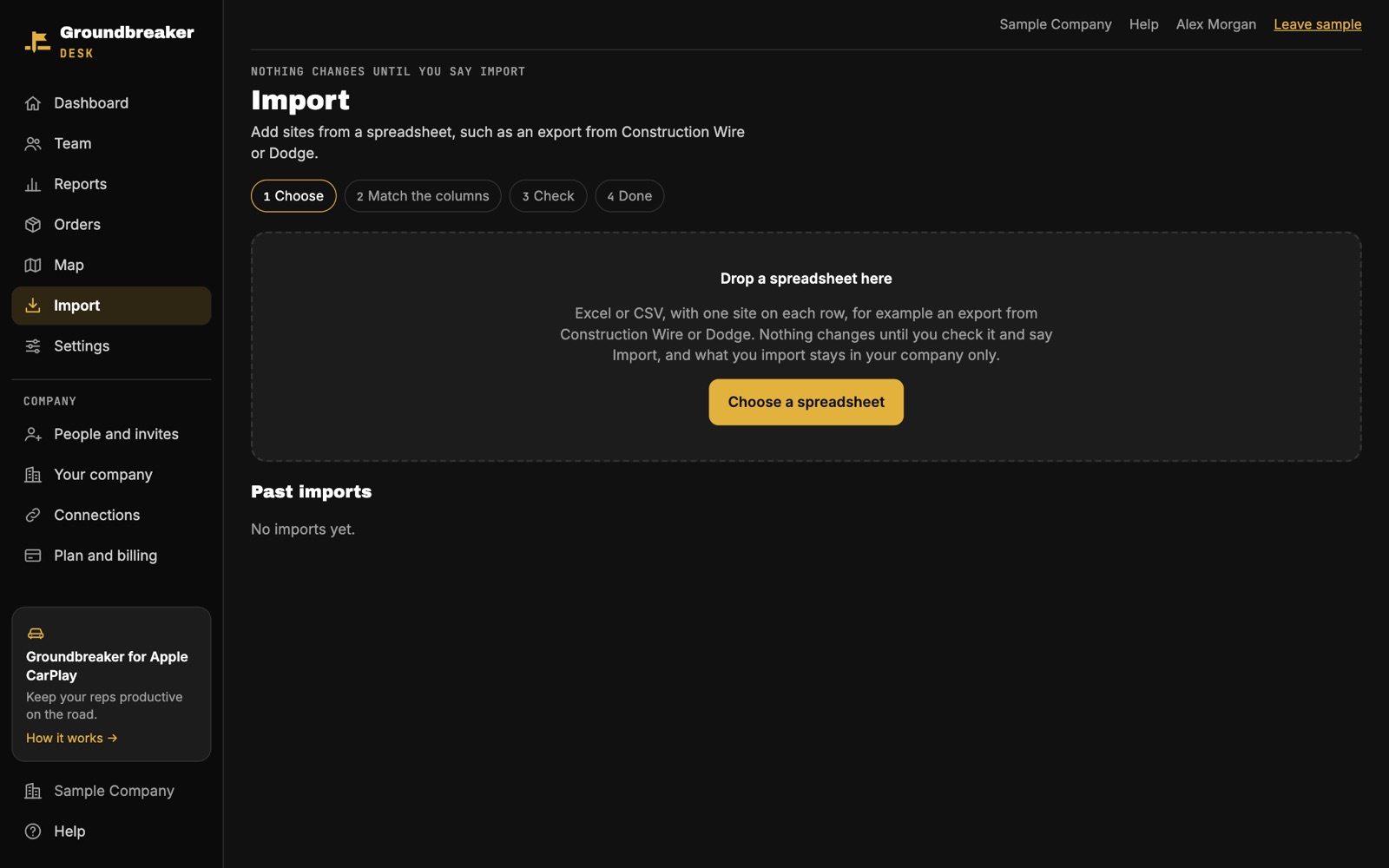
Import
Drop in a spreadsheet, or a ConstructionWire or Dodge download. Check what's new before it goes in, and undo it if it's wrong.
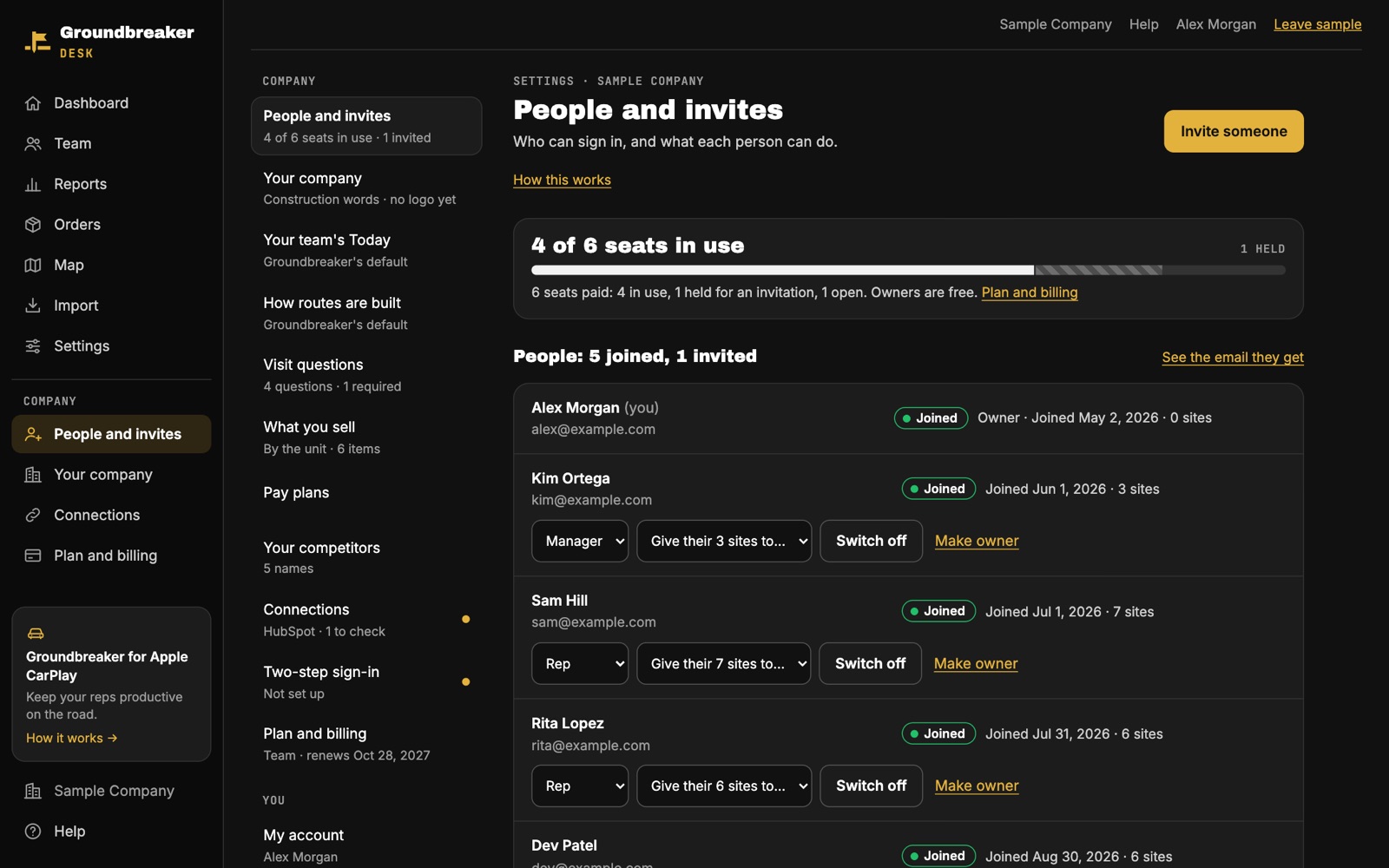
Settings
Invite your team, set your visit questions and what you sell, connect HubSpot or Salesforce, and turn on two-step sign-in.
New in Groundbreaker Desk: a CRM built in
Every rep gets their own My desk, with deals from Lead to Won, quotes your customers accept online, receipts for the office to approve, and lead lists to work through. On Team and Company, at no extra cost on your plan.
Ready to see it?
Book a demo, or try Groundbreaker Desk with sample data.